Public Beta Available
XCC
The Fast, Lightweight VLESS Client for Chrome & ChromeOS. Built on Isolated Web Application (IWA) technology for native-grade performance.
Get Started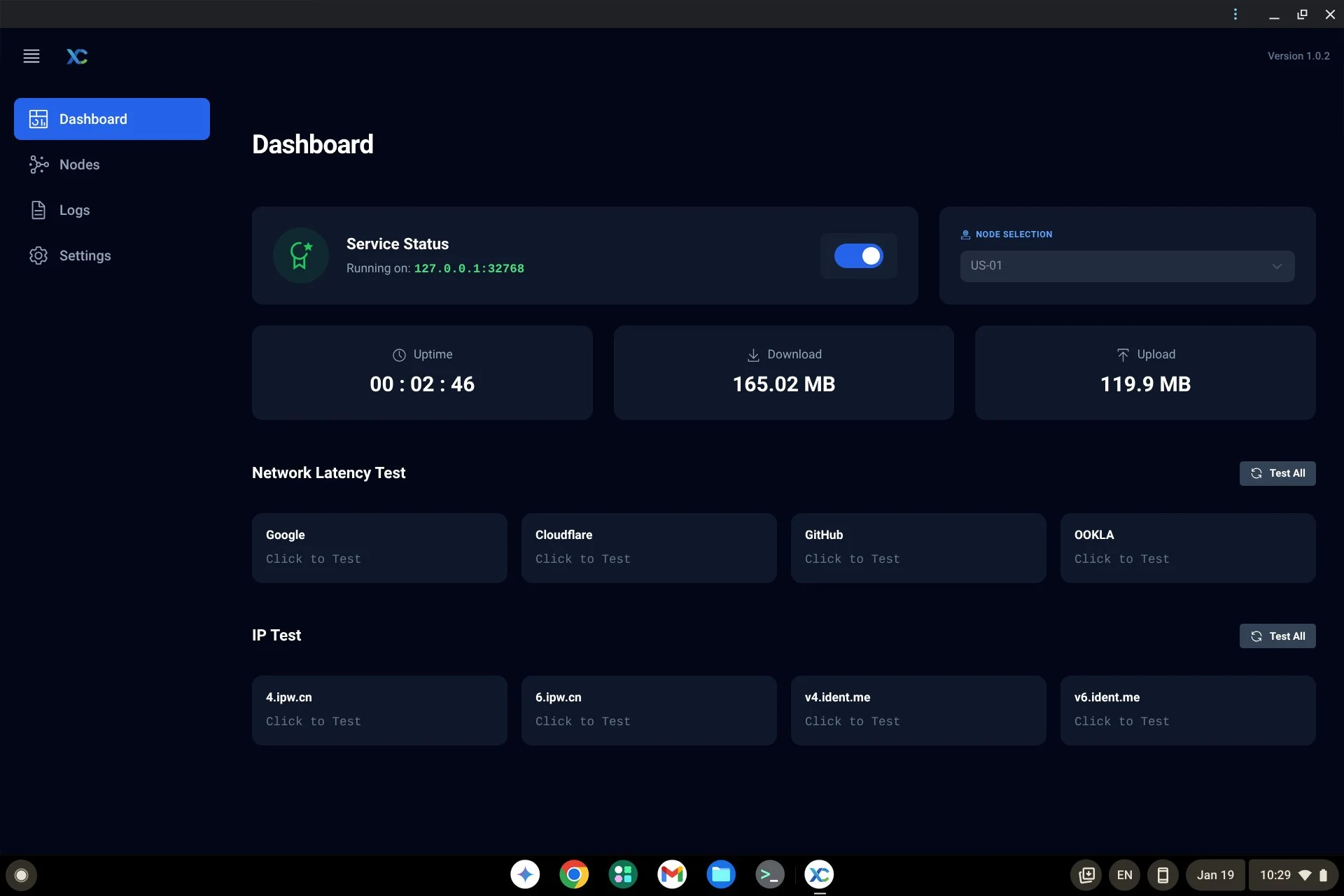
The Fast, Lightweight VLESS Client for Chrome & ChromeOS. Built on Isolated Web Application (IWA) technology for native-grade performance.
Get Started
Designed for performance and native integration, stripping away the bloat for a pure connection experience.
Seamlessly integrates with ChromeOS via Isolated Web App (IWA) architecture for system-level performance without Android subsystems.
Full support for modern VLESS configurations, including XTLS transport, TLS encryption, and Reality protocols.
Built with Rust, compiled to WebAssembly: Redefining performance for even entry-level Chromebooks.
Follow these steps to get XCC running on your Chrome browser or ChromeOS device.
Copy and paste the URL below into your address bar and enable the following flags.
chrome://flags
enable-isolated-web-apps
Allows the core IWA engine to run on desktop browsers.
enable-isolated-web-app-dev-mode
Enables installation of apps from custom manifest URLs.
Depending on your platform, perform a full restart to apply the flags.
Navigate to chrome://web-app-internals/ and locate the "Install IWA from Update Manifest" section. Paste the URL below and click Fetch to install.
chrome://web-app-internals/
https://xcc.jaxy.cc/update
Create or import Nodes in XCC. After starting the service, a local Socks5 service will be created. You may need to use the following browser extensions to route your device traffic through the Socks5 proxy.